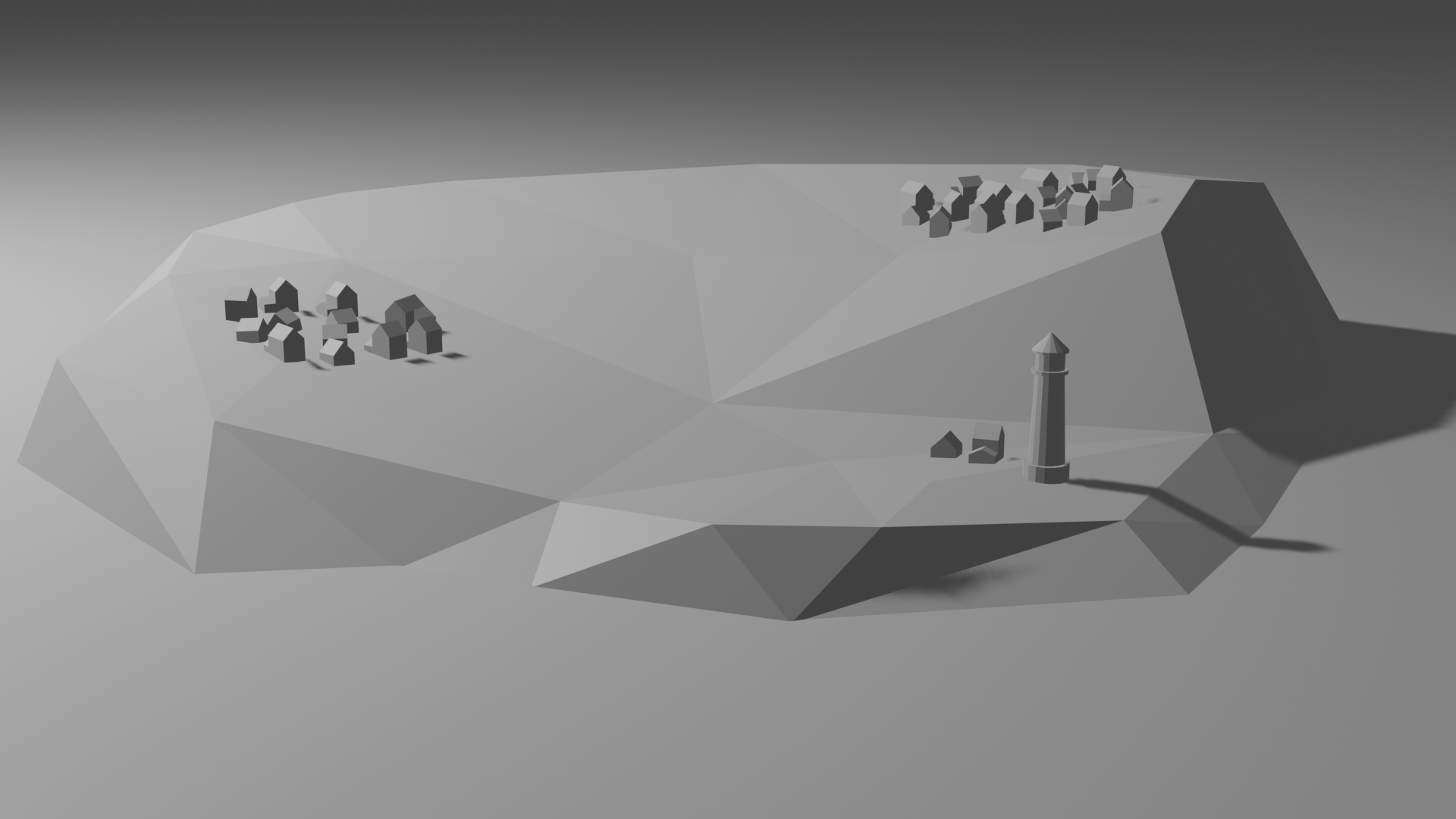
[IMAGE] A Wild Village Appears!

I might scatter the buildings out a bit more tomorrow. They seem a little too close together.

Also, if you remember from yesterday, the lighthouse is smaller. It looked too big to me. The instructor’s lighthouse is huge, much bigger than his buildings, and it just doesn’t seem right.

Oh well, what the hell.

One more thing. Earlier this morning while I was pulling into a restaurant I suddenly realized I could make fir trees. Or pine trees, or whatever. Something in that general shape.

These trees have been already made, but I’m waiting until I finalize what I want the village to look like.

All said and done, this will be a much better image than my first attempt.
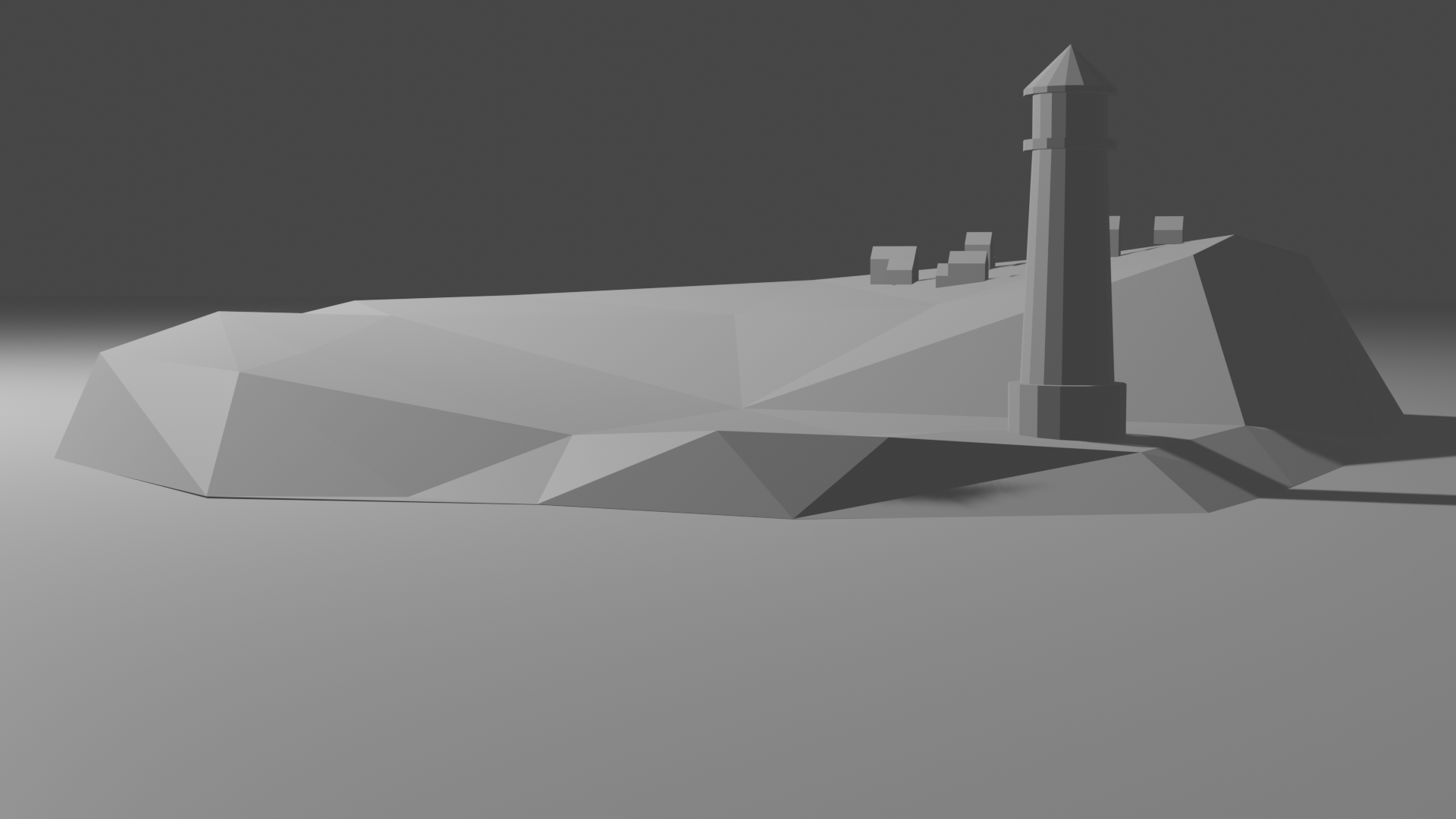
[IMAGE] Things Begin to Take Shape at the Light House Island

First off, this is just a temporary set up. There will be more houses at a later date. Probably the next post, in fact.

A couple of notes.

For some reason I found it quite remarkable how BIG all the buildings were starting this stage. Everything had to be shrunk, and I’m not certain the light house shouldn’t be a wee bit smaller.

Also, I don’t think my original idea for this will work. Not to worry. I’ve come up with something else, similar yet do able.

[IMAGE] Decimate Modifier, or Where’d All That Nice Detail Go?

Okay, so I should have mentioned this is a low polygon count image. Most of what I’m learning now is low polygon stuff. The Decimate Modifier, therefore, was used to lessen the amount of faces the image have.

Down to around 1% of the number I had.

Having a better idea of where I wanted the project to go, I fiddled about after I decimated (kinda) my island. The result is closer to where I want to end up.

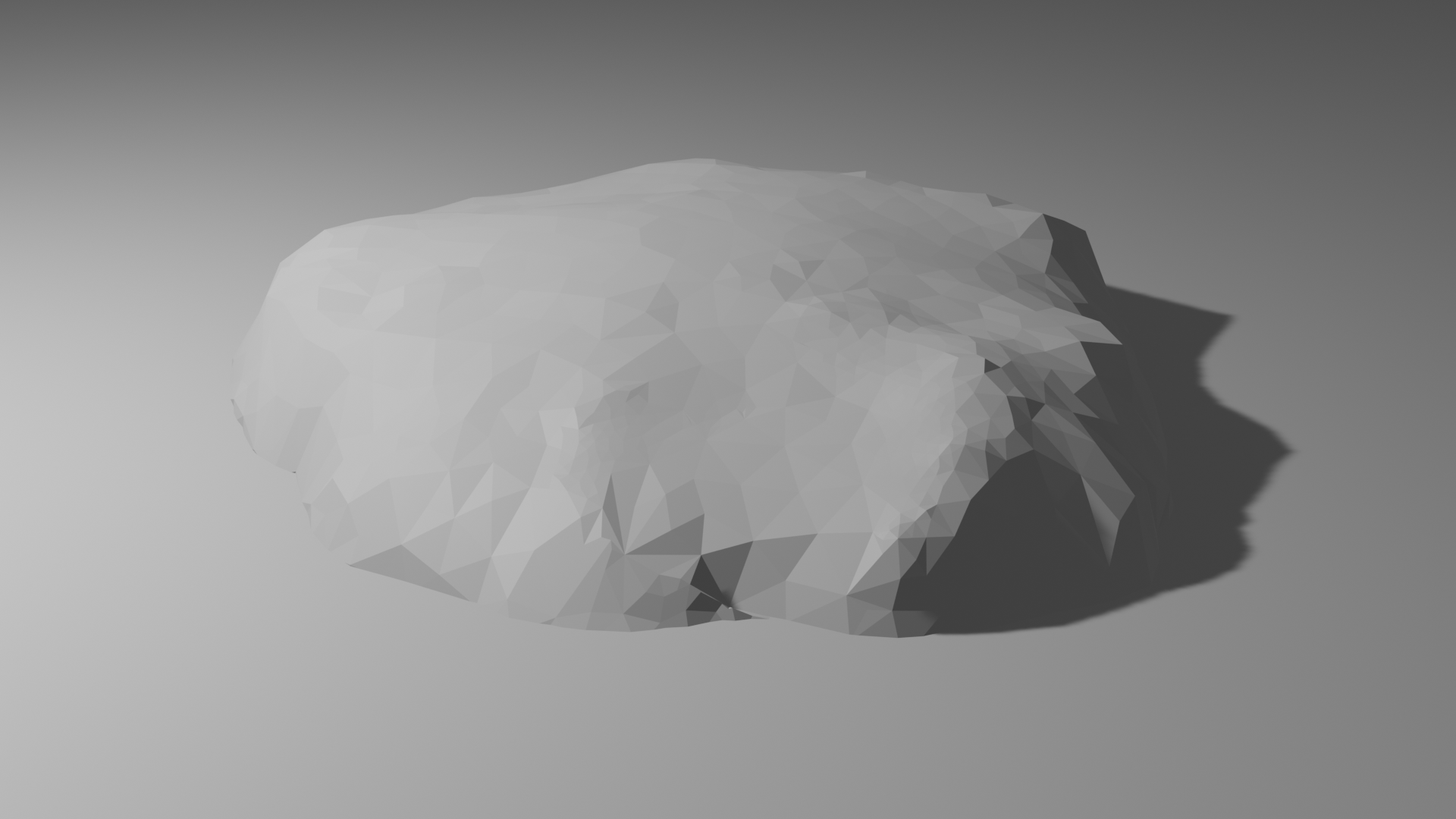
To illustrate, before:

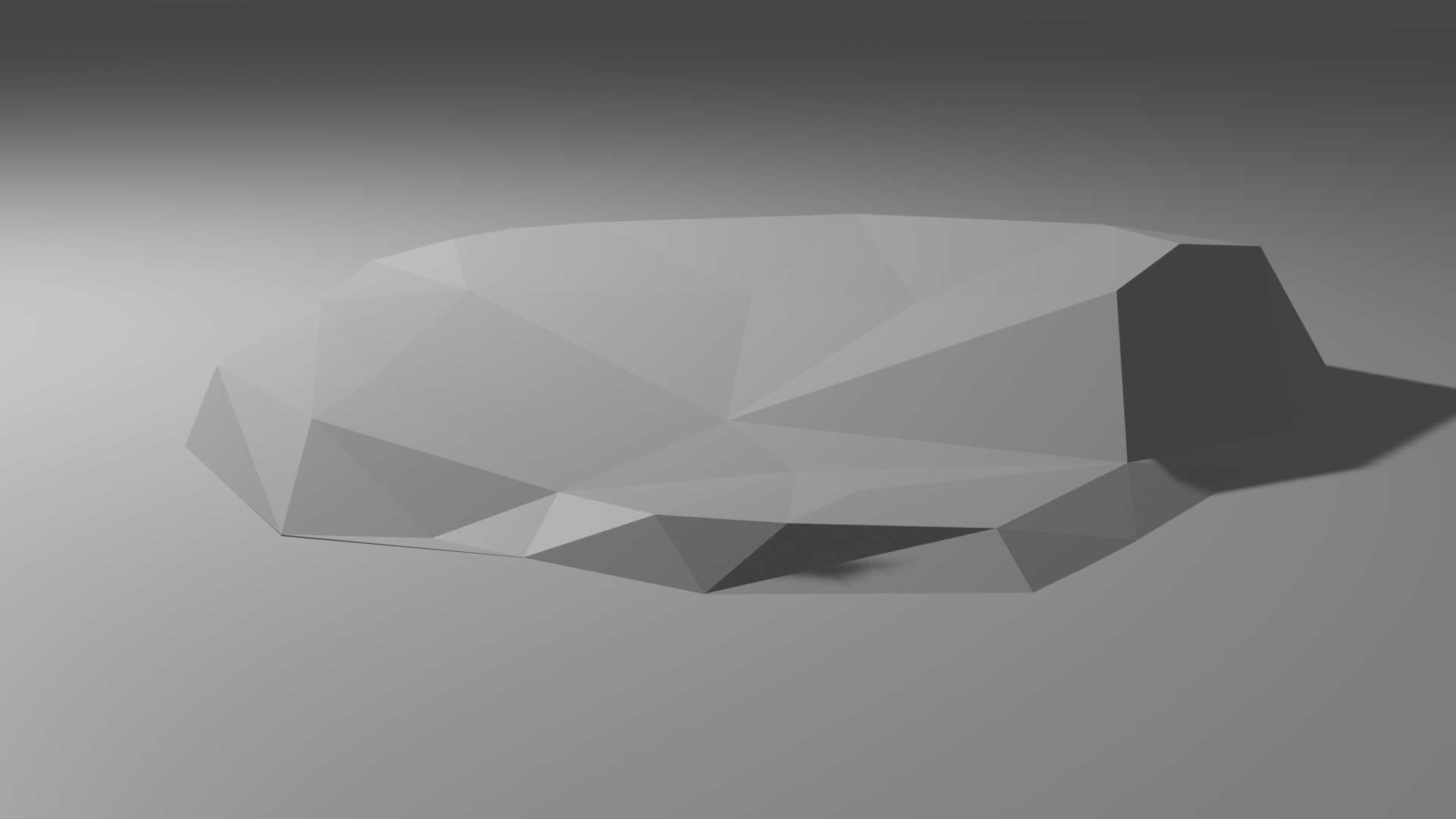
After:

While I’m partial to Before, this will make it easier for me to reach my final goal.

[IMAGE] Rocky Base/Island

The above is the rocky base/island that the houses and lighthouse will reside on. Note that this time it isn’t just lost in a grey void. Over to the right you’ll see some shadow action going on. That’s because this object is now in what will become the sea. Or lake. Wherever this place is set in whatever world it comes from.

Amusingly, when I went to render it for this post, I forgot to tell the program to take out the lighthouse. Leaving a HUGE BUILDING right in the center of it.

This was the only real mistake I made on this lesson.

If I can take a moment to discuss improvements, compare efforts:

With this effort, I’m keeping the hill a little smaller in height. Hopefully this will result in a better final image.

Next comes something called the Decimate Modifier. Sounds like a Doctor Who title.

[IMAGE] In One Week I’ve Taken More Notes For These Lessons Than I Ever Did In High School

Okay, here’s the deal.

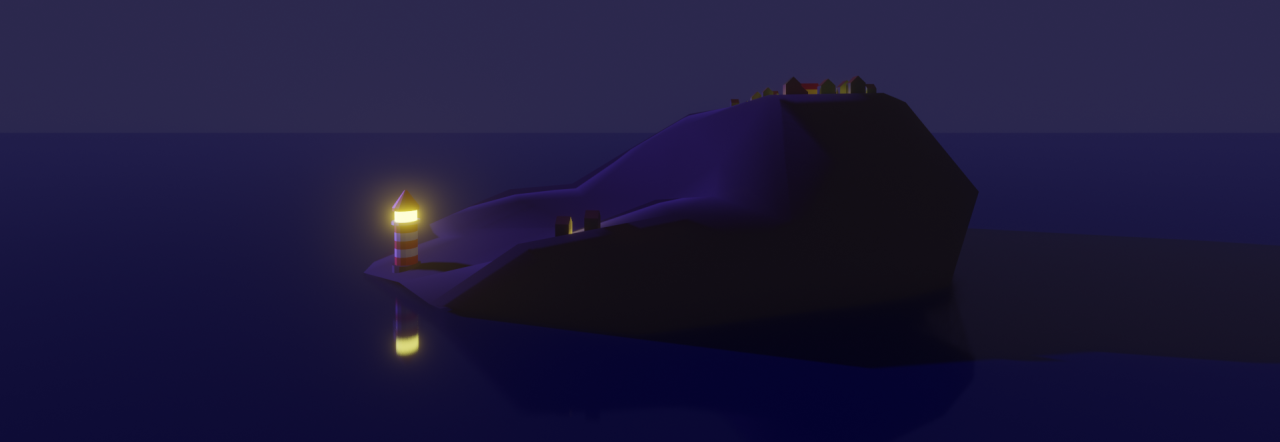
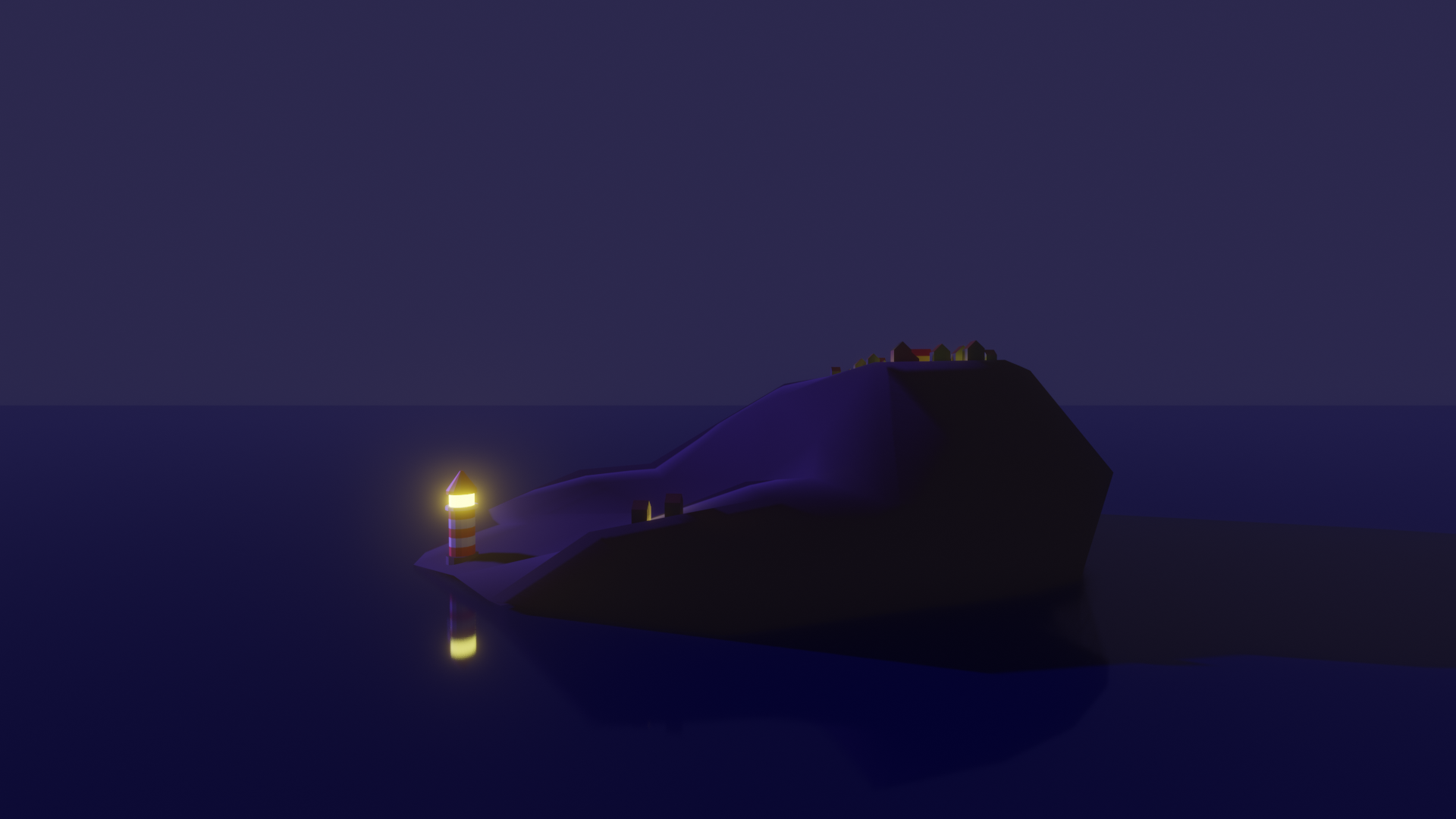
I’ve mentioned that I’m taking lessons in computer graphics, via Blender. Above is an example of this, a nice lighthouse scene.

Problem is, I took a month or so off of lessons. So even though I’m a quarter of the way through the first course, I’m not confident enough in what I recall to go back to where I started.

So I restarted the course. Watched the lessons not quite from the beginning, but where they started actually talking about what I need to do to succeed.

This time through? Lots of notes. Copious amount of notes.

I keep wanting to say “Just like I was in a real class”. That, though, would be a lie. I seldom took notes in class. Found it boring.

Look where it got me.

All that said, I thought I’d post my progress here. Every time I finish a lesson, I’ll take a render and post it. With a little commentary, like this.

Thus I kill two birds with one stone. Clever? Maybe.

Below is the start. Houses. Not impressive. Just gray shapes in the fog. Color and lighting comes later.

Next is the lighthouse.